How to Import/Export Calendar entries
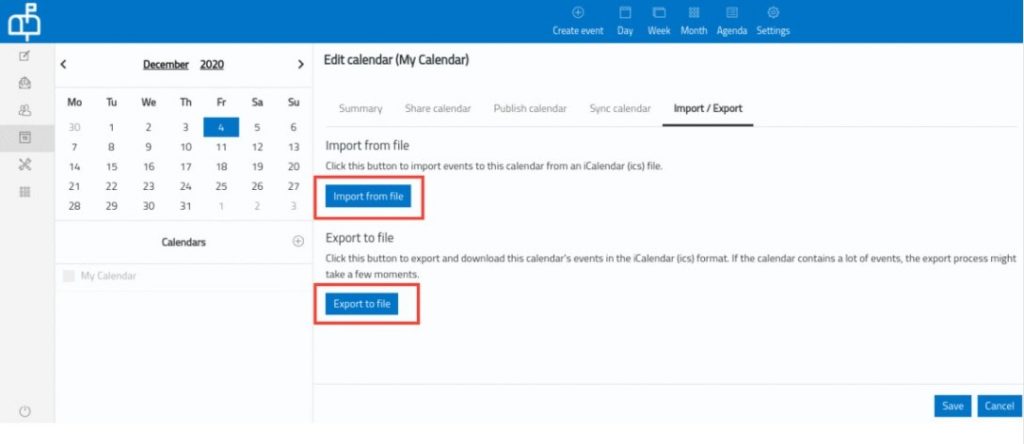
You can import/export the calendar entries in Roundcube using the Import/Export option in RoundCube.
1. Click on the Calendar option in your webmail.

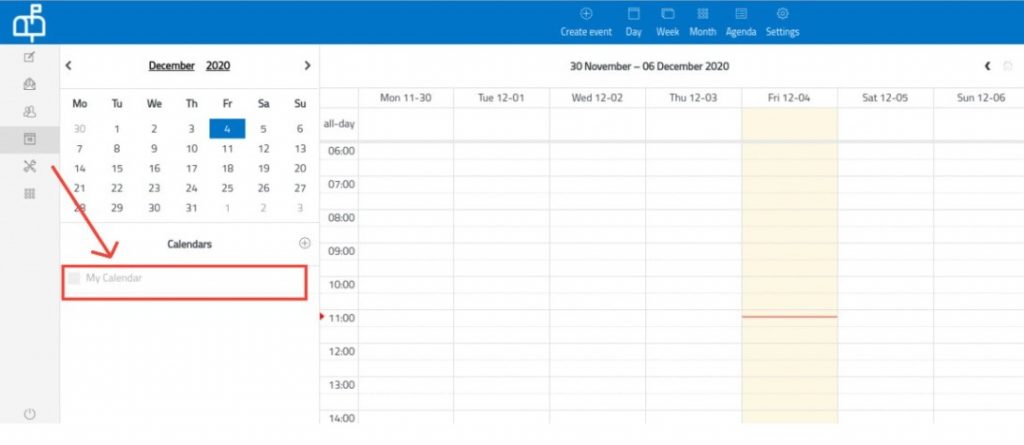
2. Select the Calendar that you want to import/export and click on its edit button.
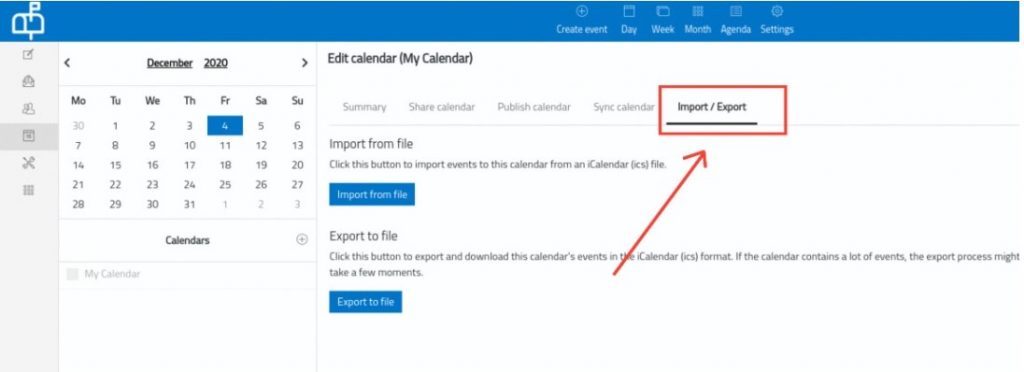
3. Click on the Import/Export option.
4. a) Import
Click on the Import from file button.
Choose the corresponding file(.ics extension) from your PC.
Click on Save.
4. b) Export
Click on the Export to file button.
A .ics file will get downloaded to your PC.